
1. Why Visualize JSON as a 2D Node Graph?
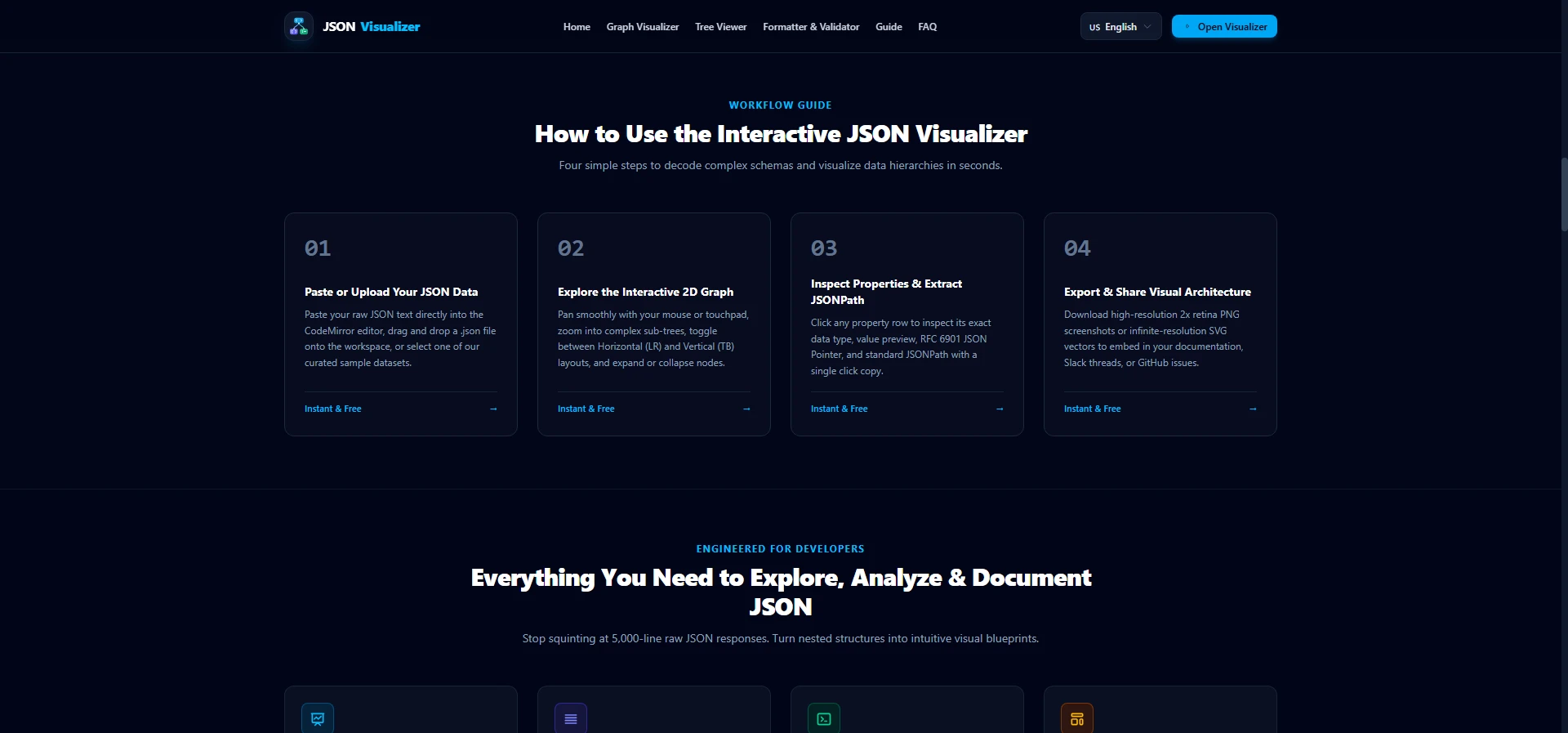
JavaScript Object Notation (JSON, RFC 8259) is inherently a tree structure or directed acyclic graph (DAG). In microservice ecosystems, GraphQL APIs, and document stores like MongoDB or PostgreSQL JSONB, payloads regularly cascade across dozens of parent-child levels.
While text formatters add line breaks and indentation, they fail to communicate spatial relationships. When scanning 2,000 lines of indented brackets, identifying cross-references or recognizing recurring entity shapes requires tedious manual scrolling. A JSON graph visualizer eliminates this cognitive friction by rendering objects as discrete cards with outward edge connectors. For a deep architectural comparison of nesting models, read our dedicated guide on how to visualize deeply nested JSON objects.
2. The Graph Layout Pipeline: How Dagre Computes Topological Ranks
Auto-layout is the core computational challenge of graph visualization. Our engine employs the Dagre directed graph layout algorithm running inside a dedicated background Web Worker:
- Cycle Removal & Topological Sorting: Ensures nodes follow an ordered sequence from root entities to terminal leaf primitives.
- Layer Assignment: Assigns each object and array to a vertical or horizontal layer rank based on nesting depth.
- Cross Minimization: Reorders adjacent nodes within layers to prevent connecting bezier curves from overlapping messily.
- Coordinate Assignment: Calculates final (X, Y) pixel coordinates with defensive collision margins.
3. Graph View vs. Tree View: When to Use Which
Interactive Graph View
Best for high-level schema overviews, architectural presentations, technical documentation, and onboarding new engineers to complex API structures.
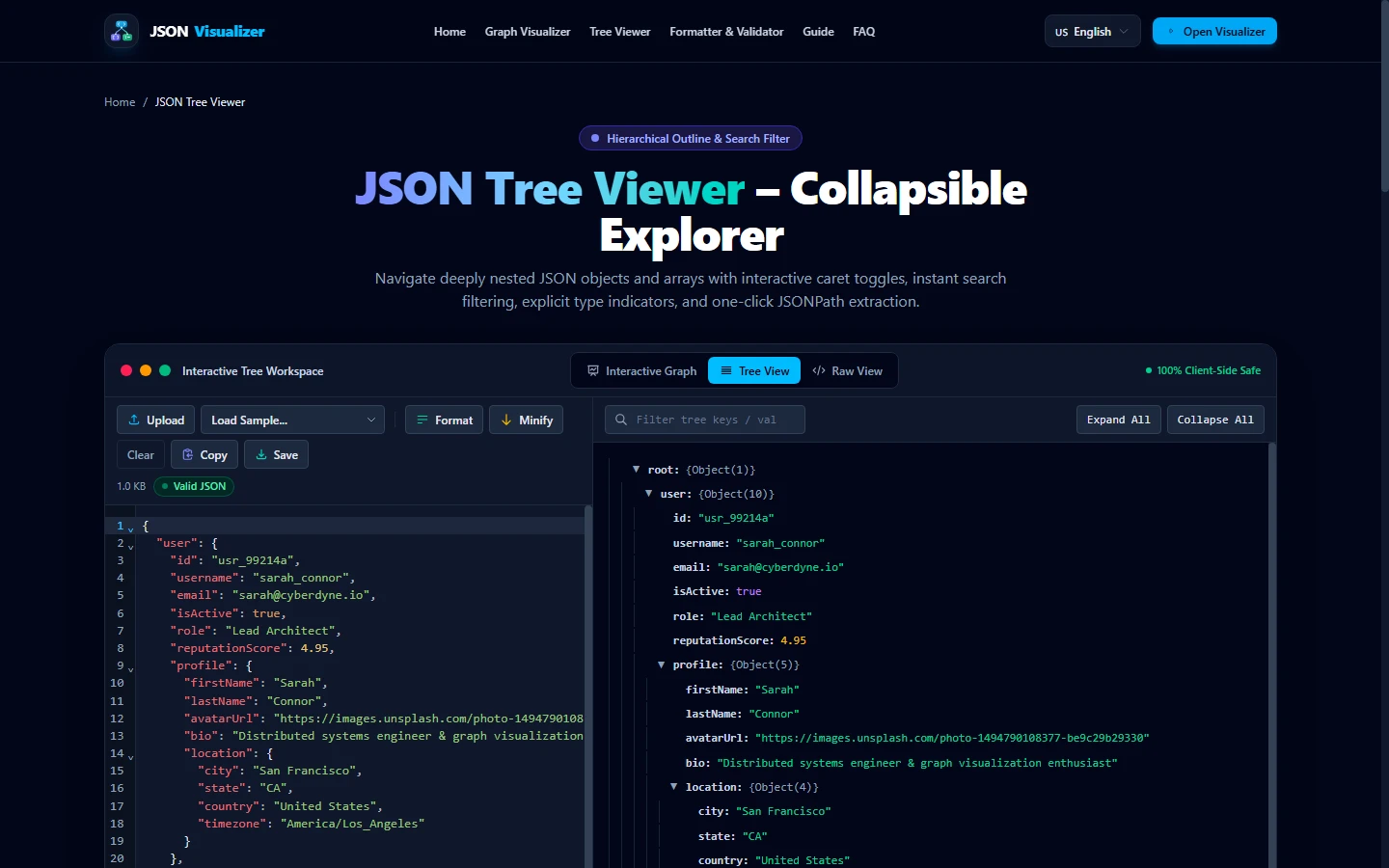
Collapsible Tree View
Best for linear data audits, copying individual key paths, substring searching across thousands of properties, and inspecting high-cardinality collections.
4. Practical Workflows & Best Practices
To get the most out of visual graph inspection:
- Validate First: Always ensure your payload passes RFC 8259 syntax validation to avoid malformed parsing errors.
- Use Direction Toggles: Switch to Horizontal (Left-to-Right) layout for deeply nested hierarchies, or Vertical (Top-to-Bottom) layout for wide arrays.
- Export for Collaboration: Export vector SVG graphics for documentation spaces or 2x PNG images for GitHub pull requests and Slack threads.
References, Specifications & Primary Citations
In accordance with our strict Editorial Research & Citation Policy, every technical assertion is substantiated by primary standards, peer-reviewed computer science literature, or verified empirical benchmarks.
- Primary Standard Academic PaperAuthor(s): Kozo Sugiyama, Shojiro Tagawa, Mitsuhiko Toda Publisher / Org: IEEE Transactions on Systems, Man, and Cybernetics Date: February 1981
“Seminal paper outlining the 4-phase layered layout framework for directed graphs with minimal edge crossings.”
- Primary Standard SpecificationAuthor(s): Tim Bray (Ed.) Publisher / Org: Internet Engineering Task Force (IETF) Date: December 2017 Version/Rev: STD 90
“Normative grammar specification for RFC 8259 JSON objects, arrays, and syntax requirements.”
- Primary Standard SpecificationAuthor(s): Paul Bryan, Kris Zyp, Mark Nottingham Publisher / Org: Internet Engineering Task Force (IETF) Date: April 2013
“Standard deterministic addressing syntax for identifying discrete child nodes within nested JSON structures.”
Ready to visualize your JSON?
Open our free in-browser workspace with zero signups or software installations.